
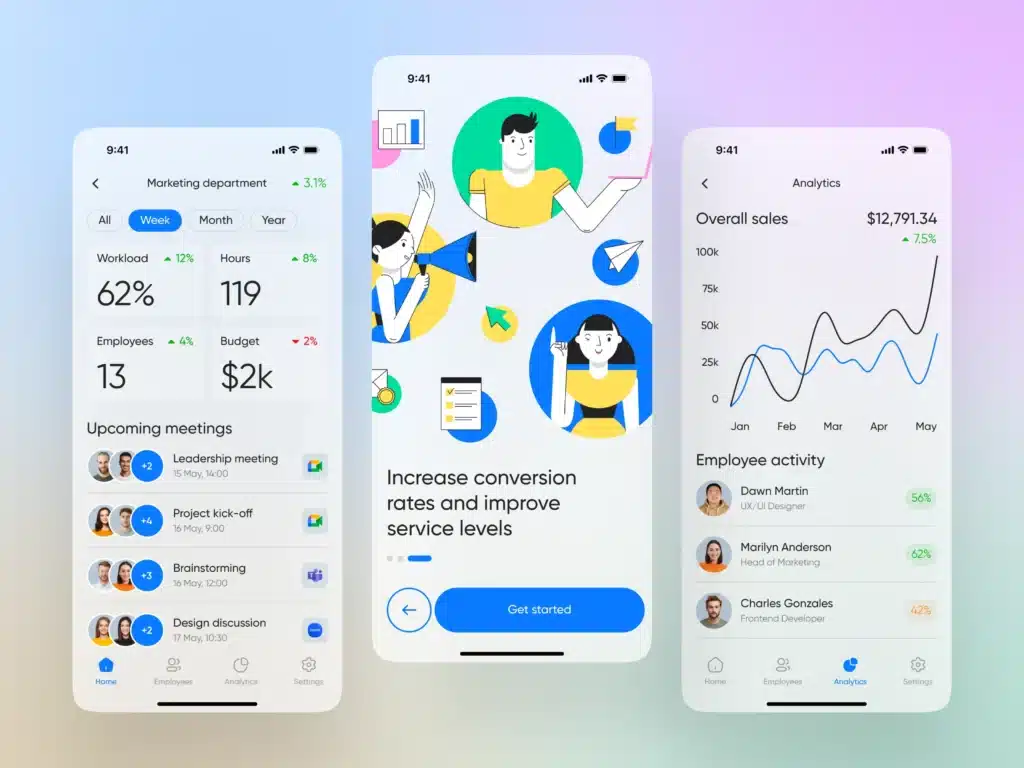
In today’s fast-paced business environment, managing customer relationships is crucial to success. Whether you’re running a small business or managing a large team, a good CRM (Customer Relationship Management) app is essential for staying organized and improving your customer interactions. With Android devices being some of the most widely used smartphones, it’s important to have CRM tools that work seamlessly on these devices.
In this blog, we’ll walk you through some of the best CRM for Android apps that can help you manage customer relationships, streamline your workflow, and boost your sales—all from the palm of your hand.
Before we dive into the best CRM apps for Android, let’s take a quick look at the features that make a CRM app ideal for Android users:
Best For: Small to medium-sized businesses looking for a free, all-in-one CRM solution.
HubSpot CRM is one of the most popular CRM solutions out there, and it works seamlessly on Android. It’s a user-friendly, cloud-based CRM that helps businesses track leads, manage sales pipelines, and monitor team performance—directly from your Android phone.
Key Features:
HubSpot CRM offers a free plan with plenty of features, and it also has paid plans for businesses that need more advanced tools.
Best For: Businesses that need a customizable CRM solution with advanced features.
Zoho CRM is a robust CRM app that works well on Android devices, offering extensive features for businesses of all sizes. It is highly customizable, allowing you to tailor it to your business’s needs, whether you’re tracking leads, managing sales, or automating tasks.
Key Features:
Zoho CRM offers a free plan with basic features, and its paid plans are great for businesses that require advanced tools and custom workflows.
Best For: Large businesses or enterprises with complex CRM needs.
Salesforce is a world leader in CRM solutions, and it works seamlessly on Android devices. It offers a wide range of features for managing customer data, automating workflows, and tracking sales performance. With Salesforce, you can monitor real-time data and collaborate with your team wherever you are.
Key Features:
Salesforce offers a free trial and is often used by large organizations due to its extensive features and higher price tag.
Best For: Sales teams looking for a simple, easy-to-use CRM to track deals and leads.
Pipedrive is a CRM designed specifically for sales teams. The Android app is intuitive and straightforward, helping you manage your sales pipeline, track leads, and stay on top of deals directly from your Android phone.
Key Features:
Pipedrive is easy to set up and is ideal for businesses looking for a simple yet effective CRM solution.
Best For: Businesses looking for a CRM that combines sales automation and customer management.
Freshsales, part of the Freshworks suite, is a powerful CRM app for Android that focuses on sales and lead management. It’s a great option for small and medium-sized businesses looking to streamline customer interactions and automate repetitive tasks.
Key Features:
Freshsales offers a free plan for small teams, and its paid plans are affordable for businesses looking for more advanced features.
Best For: Businesses that need both CRM and project management tools in one app.
Insightly combines customer relationship management with project management features, making it a great option for businesses that need both. The mobile app works well on Android, providing easy access to customer data, project tasks, and team collaboration features.
Key Features:
Insightly offers a free plan and paid options, making it a good choice for growing businesses.
Choosing the best CRM for Android depends on your business’s specific needs, whether you’re a small startup, a sales-driven business, or a large enterprise. Apps like HubSpot CRM, Zoho CRM, and Salesforce CRM are all great options, each offering unique features to help you manage customer relationships efficiently on your Android device.
When choosing the right CRM, consider factors like ease of use, integration with your existing tools, and the features that align with your workflow. By selecting the right CRM for your business, you can boost productivity, improve customer satisfaction, and ultimately drive business growth.
